[Reviewer name]
[User review text, one to four sentences.]
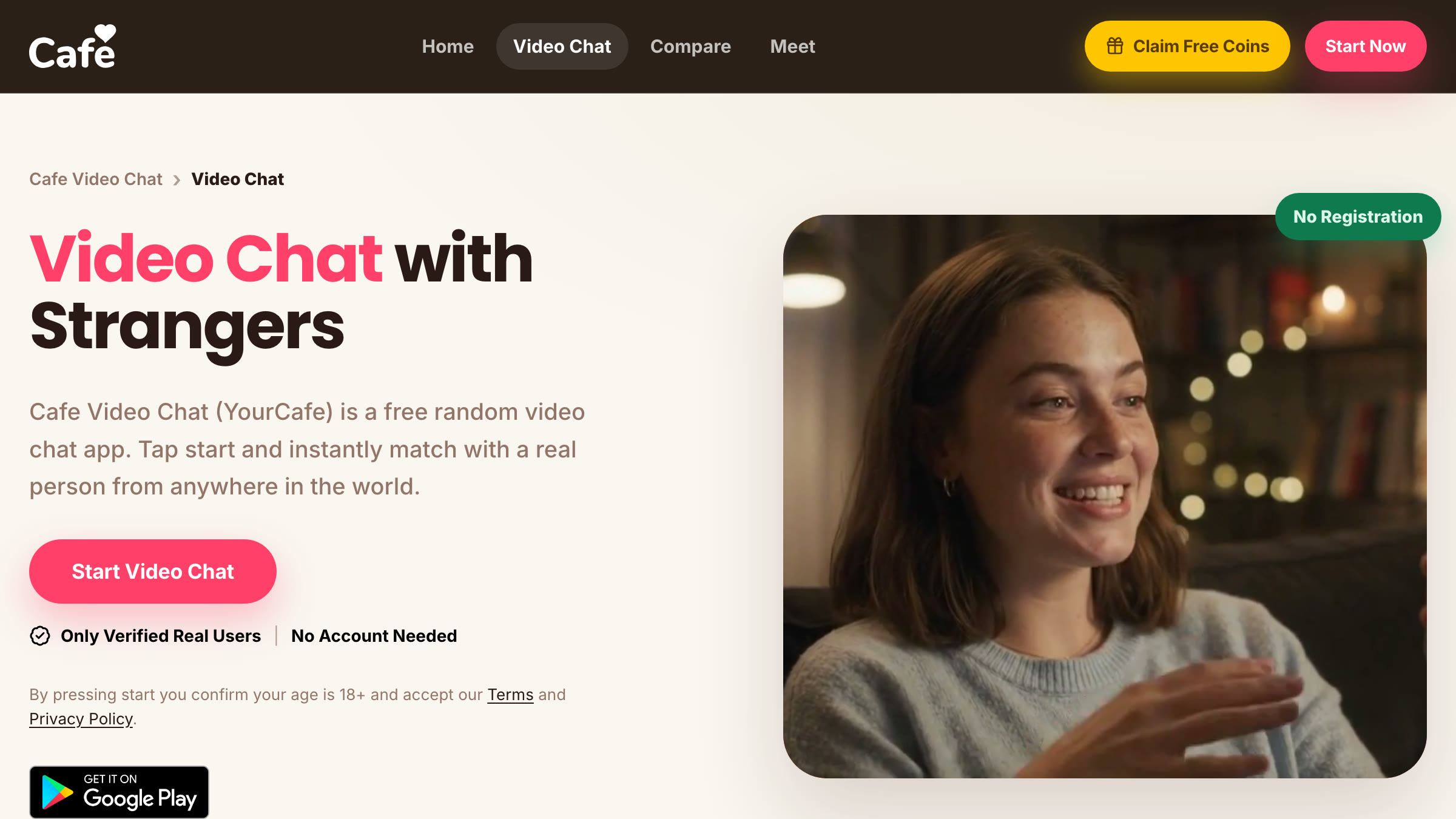
Cafe is a free random video chat that puts you on camera with one stranger at a time. It runs in any browser with nothing to install, has an Android app on Google Play, and asks for no account before your first call.
Cafe Video Chat, also known as YourCafe, is a one-on-one random video chat at yourcafe.app. You open the page, allow your camera and microphone, press start, and Cafe pairs you with another person who pressed the same button. There is no profile to fill in and no list of faces to scroll through; the match is made for you and the call starts on camera.
Calls, skips and call length are free, and you can use all of them without an account. The one paid feature is a gender filter that runs on coins, and a new account comes with 125 of them. Below, we score Cafe on six criteria, list the facts worth knowing before your first call and compare it with the closest alternatives.
We built this review from Cafe’s own pages, its Terms of Use and its Google Play listing, all read on October 8, 2026. Where a claim comes only from Cafe, we say so.
Cafe keeps the flow to three steps: open yourcafe.app, allow the camera and microphone, and press start. Cafe says it aims to put you on camera with a new person within about five seconds. Three controls stay on screen during a call: Next moves you to someone new, Stop ends the session and Report sends the conversation to moderation. You can also block a person so you are never matched with them again.
Every call is between exactly two people. There is no group room, no audience and no time limit; a call lasts as long as both people want it to.
Matching is random across the whole pool, so by default you meet both women and men from any country. Cafe says people connect from more than 100 countries and that tens of thousands use it every day; we could not verify those figures independently.
If you want to talk only to women, or only to men, the gender filter narrows the pool. It is the one paid feature, and Cafe is upfront that it cannot add people who are not online: at quiet hours the wait gets longer, and switching the filter off is often the fastest fix.
Video calls, skipping and call length are free with no limit, and none of them need an account. Coins pay for the gender filter and nothing else. There is no subscription or membership; you buy coins only when you want them. Creating an account is free and adds 125 coins, enough to try the filter before paying. Cafe says card statements are discreet and do not carry a video chat name.
Refunds for purchases made through an app store follow that store’s rules. Cafe’s Terms exclude refunds for banned users and full refunds for partly used purchases, so buy small amounts until you know you will use the filter.
Everyone passes a real-user check before entering the matching pool, which is how Cafe keeps bots and recordings out. Moderation runs 24/7 with automated checks and human moderators, between calls and on every report. It does not watch inside a call, because calls are encrypted; it acts on reports and removes people who break the rules.
Cafe is for adults. Its Terms limit the service to users aged 18 or older and let Cafe close accounts it believes belong to minors. The site is also clear about its limits: it does not claim to be completely safe, and it reminds users that no platform can stop the other person from recording their own screen with a second device.
According to Cafe, every call is end-to-end encrypted, nothing is recorded or stored, and your IP address is never shown to the other person. Because you can use Cafe without an account, it does not need your name, email or card details for a free call. The trade-off is that a conversation cannot be recovered once it ends.
Cafe’s Terms state that the service is hosted in South Korea and governed by South Korean law, so your data is processed there. If that matters to you, read the Terms before buying coins.
Cafe runs in the browser on phones, tablets and computers, with the same pool and rules everywhere. The Android app, listed on Google Play as Cafe – Live video chat, holds a 4.5 rating from 131K reviews and has more than 10 million downloads. There is no iOS app; on an iPhone you use Safari or Chrome and can add the site to your home screen so it opens like an app.
Cafe recommends a stable connection over a fast one, and mobile data when a weak Wi-Fi signal keeps stalling the video.
Cafe suits people who want a quick, free one-on-one video chat with a stranger, without signing up or installing anything. It works well for language practice and for former Omegle users who want the same press-start flow with real-user checks added. It is less suited to anyone who wants to pick a match by profile, or who needs an iPhone app.
Cafe Video Chat, also called YourCafe, is a free random video chat that connects you one-on-one with a stranger on camera. It runs in the browser at yourcafe.app and in an Android app.
Open the site or app, allow your camera and microphone, and press start. Cafe matches you with another available person, usually within seconds. Press Next to meet someone new, Stop to end the session or Report to flag a problem.
The official website is yourcafe.app. The Android app is listed on Google Play as Cafe – Live video chat.
There is an Android app on Google Play, rated 4.5 from 131K reviews. There is no iPhone app; on iOS, open yourcafe.app in Safari or Chrome.
Cafe’s Terms of Use and Privacy Policy refer to the operator only as Cafe and do not name a company. The service is hosted in South Korea, and its Terms are governed by South Korean law.
Support and privacy questions go to [email protected]. General enquiries go to [email protected].
Cafe does not list a support phone number. All support runs through [email protected].
Yes. Video calls, skipping and call length are free with no limit, and you need neither an account nor a card to start.
One-on-one video calls with no time limit, unlimited skips, Report and Block, use without an account, and the Android app. Creating an account is free as well and adds 125 coins.
The only paid feature is the gender filter, which lets you match with women or men only. It runs on coins, sold as one-off purchases with no subscription.
On the website, coins are paid by card. In the Android app, purchases go through Google Play billing.
Cafe says it does not process or store card details; they go securely to a third-party payment provider. Charges appear on your statement without a video chat name, and app purchases are handled by Google Play.
Cafe is generally safe for adults. Users pass a real-user check, moderation runs 24/7 and your IP address stays hidden. Keep personal details off camera, and never send money or gift cards to someone you meet on a call.
Cafe says it does not record or store calls. It cannot stop the other person from recording their screen with another device, so show only what you are comfortable sharing.
No. Cafe is a working video chat service: calls are free without a card, the only purchase is optional coins for the gender filter, and the Android app holds a 4.5 rating from 131K Google Play reviews.
Cafe says everyone passes a real-user check before entering the matching pool, which keeps bots and pre-recorded videos out. How many people are online still depends on the time of day.
No. You can start a call without signing up. An account is only useful if you want coins, because a new one comes with 125 free.
Press Sign Up at the top of yourcafe.app, confirm that you are 18 or older and accept the rules, Terms of Use and Privacy Policy, then finish registration. New accounts receive 125 free coins.
Email [email protected] and ask for your account to be deleted. Cafe’s Privacy Policy says it will make commercially reasonable efforts to remove your data from its servers. If you never created an account, there is nothing to delete.
There is nothing to cancel. Cafe does not sell subscriptions; coins are one-off purchases and you are never billed again automatically. Coins bought in the Android app appear in your Google Play payment history.
Azar, Chatspin, CamSurf and Chatki are the closest options. The alternatives section below lists our scores for each.
[User review text, one to four sentences.]
[User review text, one to four sentences.]
If Cafe Video Chat is not the right fit, these platforms scored closest in our tests.
Cafe does the basics of random video chat well: a call starts in seconds, it costs nothing, and you never have to create an account. The real-user check and round-the-clock moderation make the pool cleaner than on older roulette sites, and the pricing is unusually plain, with one paid feature and no subscription.
The gaps are the missing iOS app, the coin cost of the gender filter and longer waits at quiet hours. If you want quick one-on-one conversations with real people and no setup, Cafe is our top pick in this category.